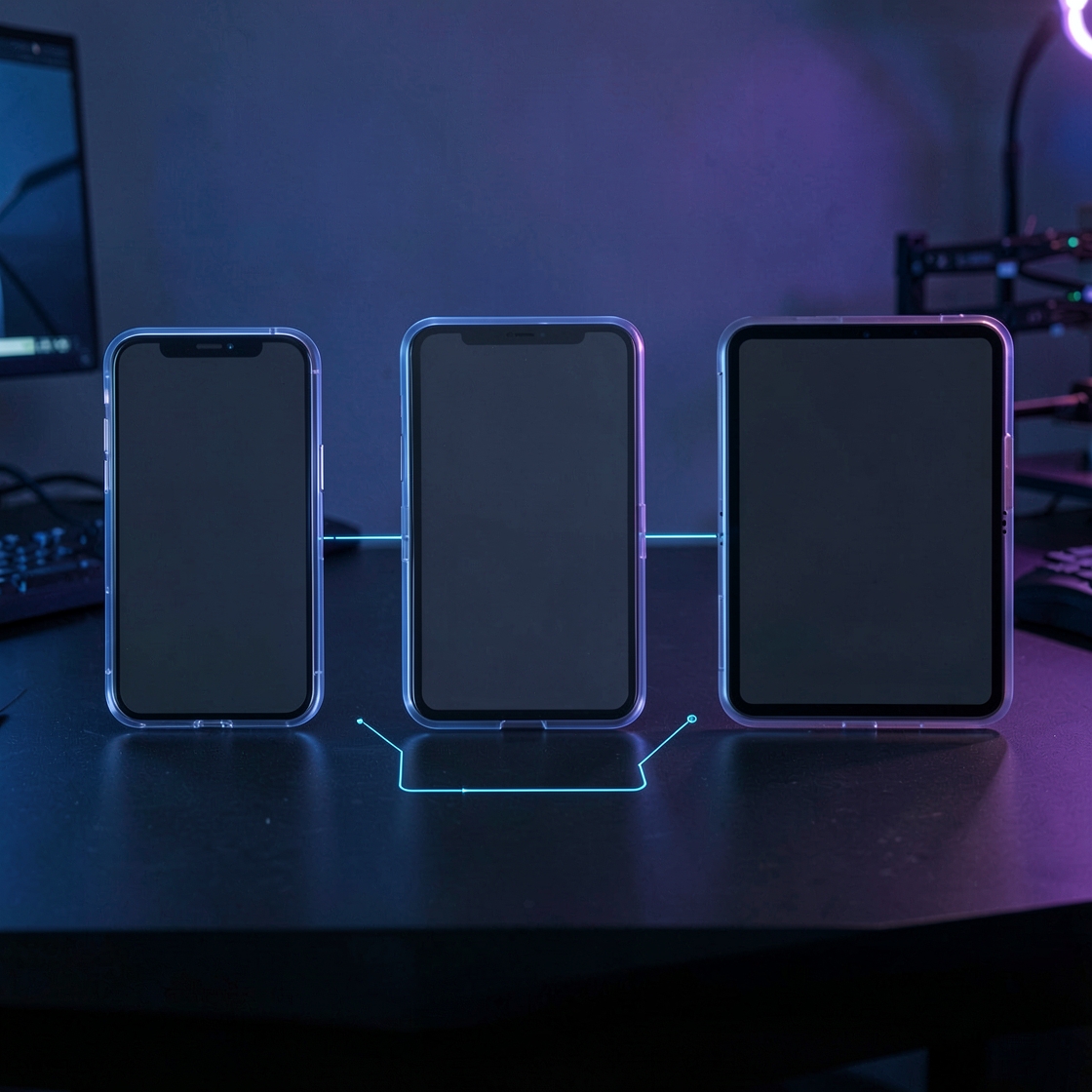
Google has documented a compact set of Android Emulator console commands for testing adaptive applications from scripts and terminal workflows. The Android Developers post, published August 31, 2026, shows how one virtual device can move through several screen sizes and foldable states without manually operating the Android Studio controls.
One emulator, several configurations
The commands use the adb emu shortcut, which sends a console instruction and returns control to the calling shell. When more than one emulator is running, developers can target a specific instance with adb -s <serial> emu <command> <parameter>. That makes the operations suitable for repeatable local scripts and selected continuous-integration environments.
For a foldable virtual device, adb emu fold switches to the smaller folded configuration and adb emu unfold returns to the internal display. adb emu rotate triggers a 90-degree clockwise rotation. These transitions are useful for checking whether an activity keeps user state and recalculates layout correctly after a configuration change.
Posture and display-size controls
The adb emu posture command lists the positions supported by the current virtual device. A developer can then select an identifier, such as the half-open posture used to test tabletop layouts. Google warns that support varies by AVD: standard Pixel Fold and Resizable templates support only their listed postures, and unsupported identifiers return an error.
For the Resizable Emulator, adb emu resize-display lists presets such as phone, unfolded and tablet. Passing a valid preset index changes the virtual display. This lets a test traverse compact and expanded windows while keeping the same emulator process and app session.
What this improves
The main gain is repeatability. A test plan can explicitly cover folded and unfolded transitions, rotation, state restoration and key window-size classes. Teams can reproduce a layout bug with the same command sequence instead of depending on manual resizing. It can also reduce the resource cost of running several virtual devices simultaneously.
The commands do not replace assertions or visual review. A successful resize only proves that the emulator accepted the instruction. Tests still need to verify component placement, reachable controls, preserved input, accessibility and behavior in multi-window or desktop modes. Physical devices also remain important for hardware-specific behavior.
Why adaptive testing matters
Android applications now run across phones, tablets, foldables, ChromeOS devices and resizable desktop windows. Google's adaptive-app guidance recommends basing layout decisions on the space available to the app rather than on a fixed device label. Window size can change while an app remains in use, so state restoration and responsive layout behavior are part of normal operation.
Current Android guidance also notes that apps targeting API level 36 are resizable on large displays and that orientation and aspect-ratio restrictions are ignored in that environment, subject to documented exceptions and transition rules. Automated transitions make those compatibility requirements easier to exercise before release.
A practical test sequence
A useful smoke test can launch one Resizable AVD, identify its serial, query supported presets and postures, then move through phone, unfolded and tablet sizes. At each step, the test should assert that important content remains visible and that navigation state survives. Rotation and fold transitions can then probe configuration changes separately.
Teams should record their emulator version and AVD template because the command set and supported postures can differ. The official documentation, not an assumed index copied from another machine, should remain the reference.